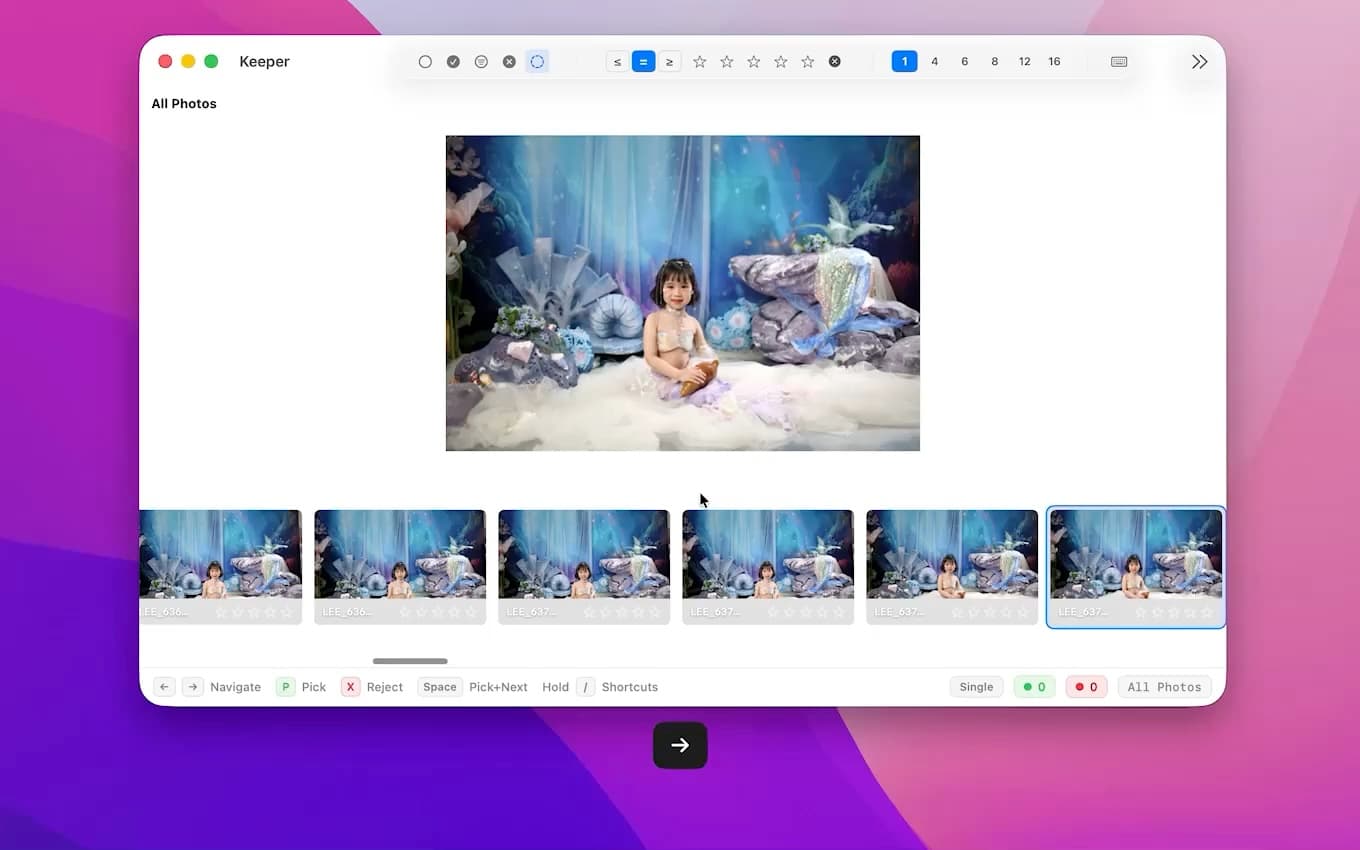
Fast review flow
Move through big sessions quickly instead of waiting on every comparison.
Alternative
If you are curious about AI-assisted culling but do not want the software deciding your final selects, Keeper is the kind of alternative to look at. It helps you move faster, but the photographer still makes the call.
Usually the issue is not “I need more AI.” It is “I want help without giving up control.” If you want software that speeds up review without acting like the final editor of your shoot, that is the gap Keeper is trying to fill.
Choose Keeper if you do not want the software deciding what your best image is. If your workflow depends on creative judgment, expression checks, and rapid keyboard review, Keeper gives you assistive tools without taking authorship away from you.
If that sounds like how you already work, the difference usually feels obvious quickly.
See how Keeper behaves on a real session: fast browsing, keyboard-first decisions, and local AI assistance that helps you move faster without getting in the way.
Move through big sessions quickly instead of waiting on every comparison.
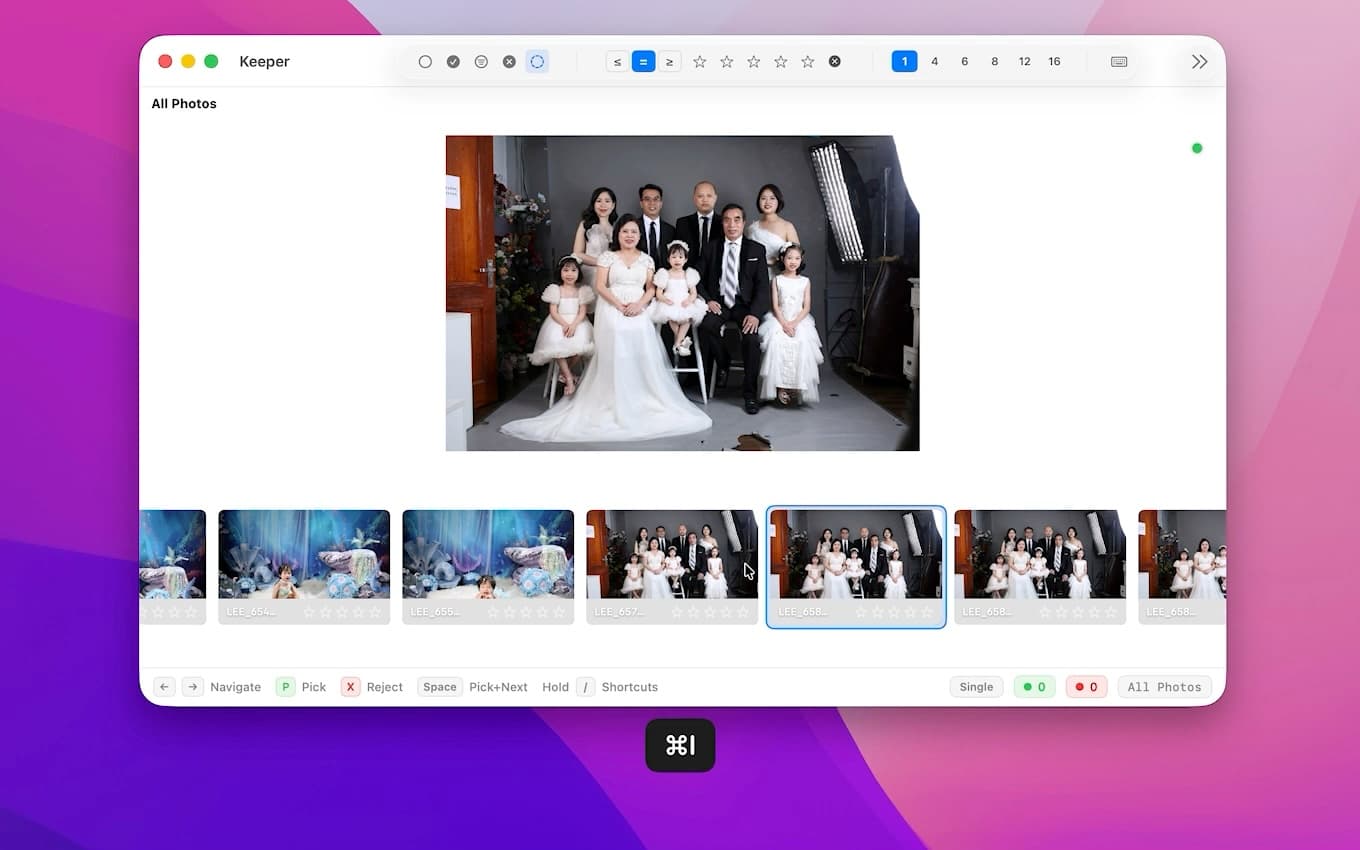
Rate, pick, reject, and navigate without falling out of the keyboard flow.
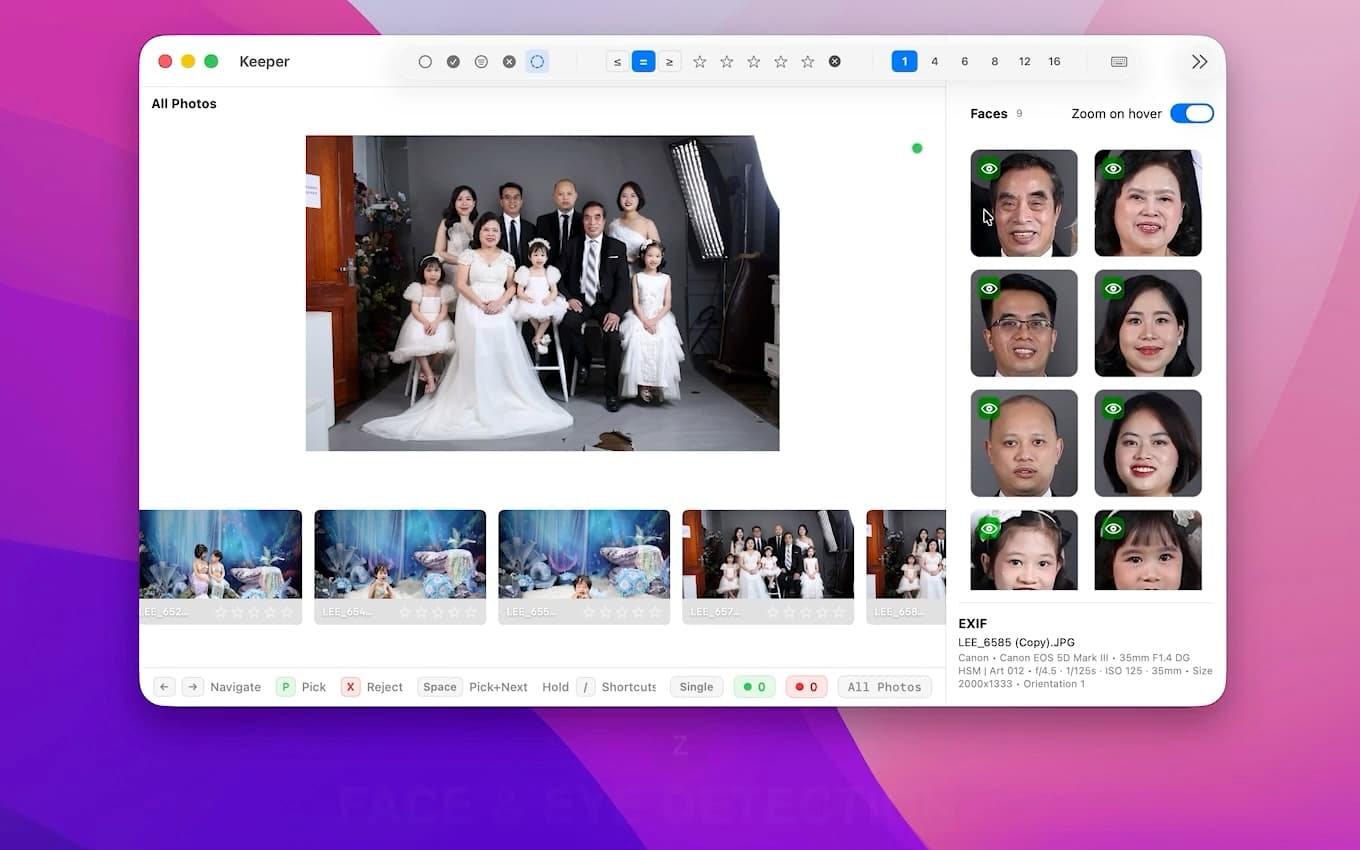
Face checks, eye-closed detection, and grouping help you decide faster without taking over the final judgment.
Start with the free download and upgrade only if Keeper fits your workflow. The paid version uses simple one-time pricing on Polar.sh, so you can keep your culling setup straightforward instead of adding another subscription.
If you also want to compare Keeper against a more review-focused tool, read the Narrative Select alternative guide.
Run the same gallery through your current tool and Keeper. If what you really want is more speed without giving up the final call, the difference should show up fast.