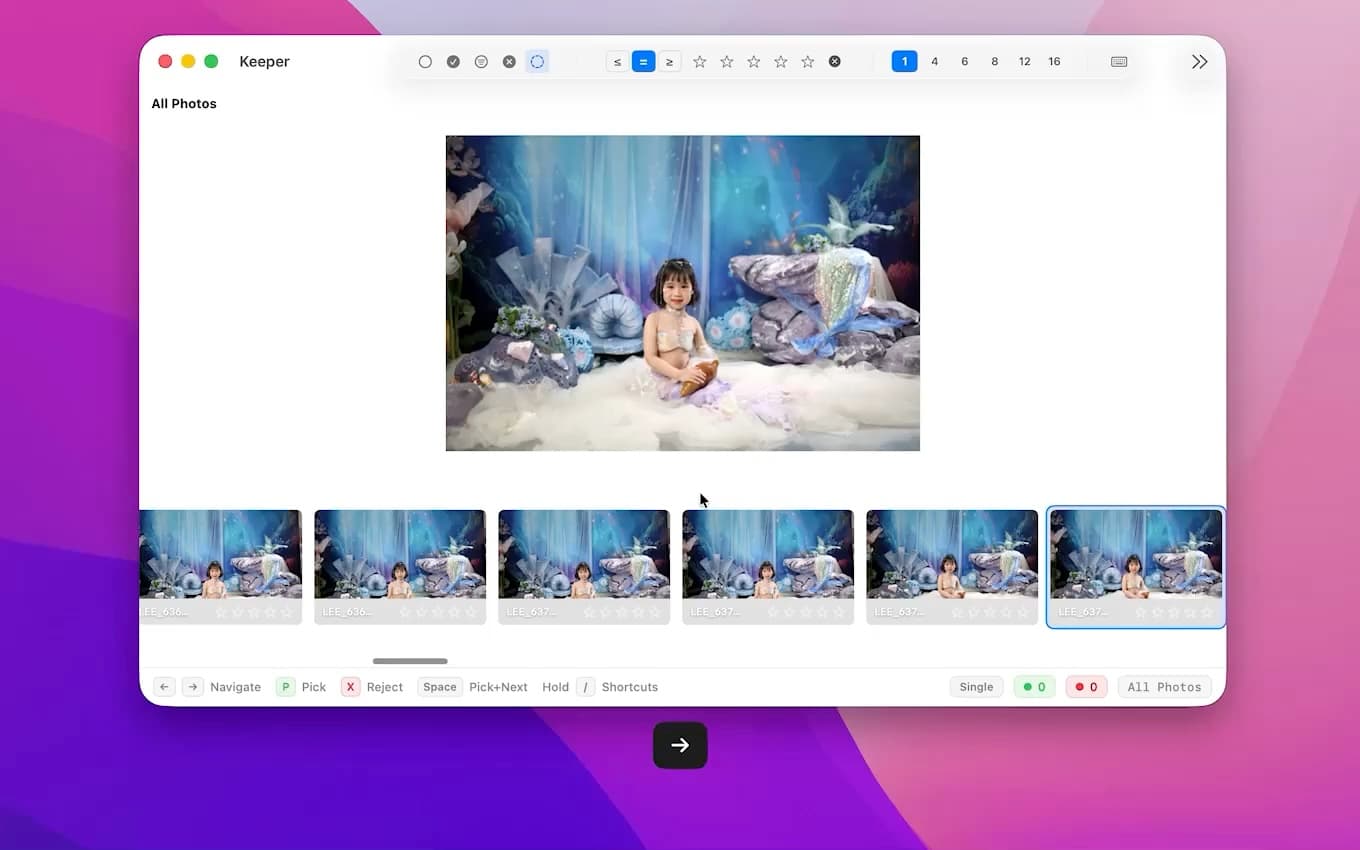
Fast review flow
Move through big sessions quickly instead of waiting on every comparison.
Alternative
If you want the review stage to feel faster, cleaner, and less layered, Keeper is the kind of alternative worth trying. It is built for Mac photographers who want to stay in the flow and make the final call themselves.
Usually it comes down to feel. You want a review tool that feels more direct, more local, and less layered. You want to move through a session quickly, trust what the software is doing, and keep the decisions in your own hands.
Instead of trying to be everything at once, Keeper stays focused on one job: helping you review large sessions quickly and confidently on Mac.
Use the demo and screenshots to judge the actual review experience: how fast you can move, how clear the interface feels, and whether the AI helps without getting in your way.
Move through big sessions quickly instead of waiting on every comparison.
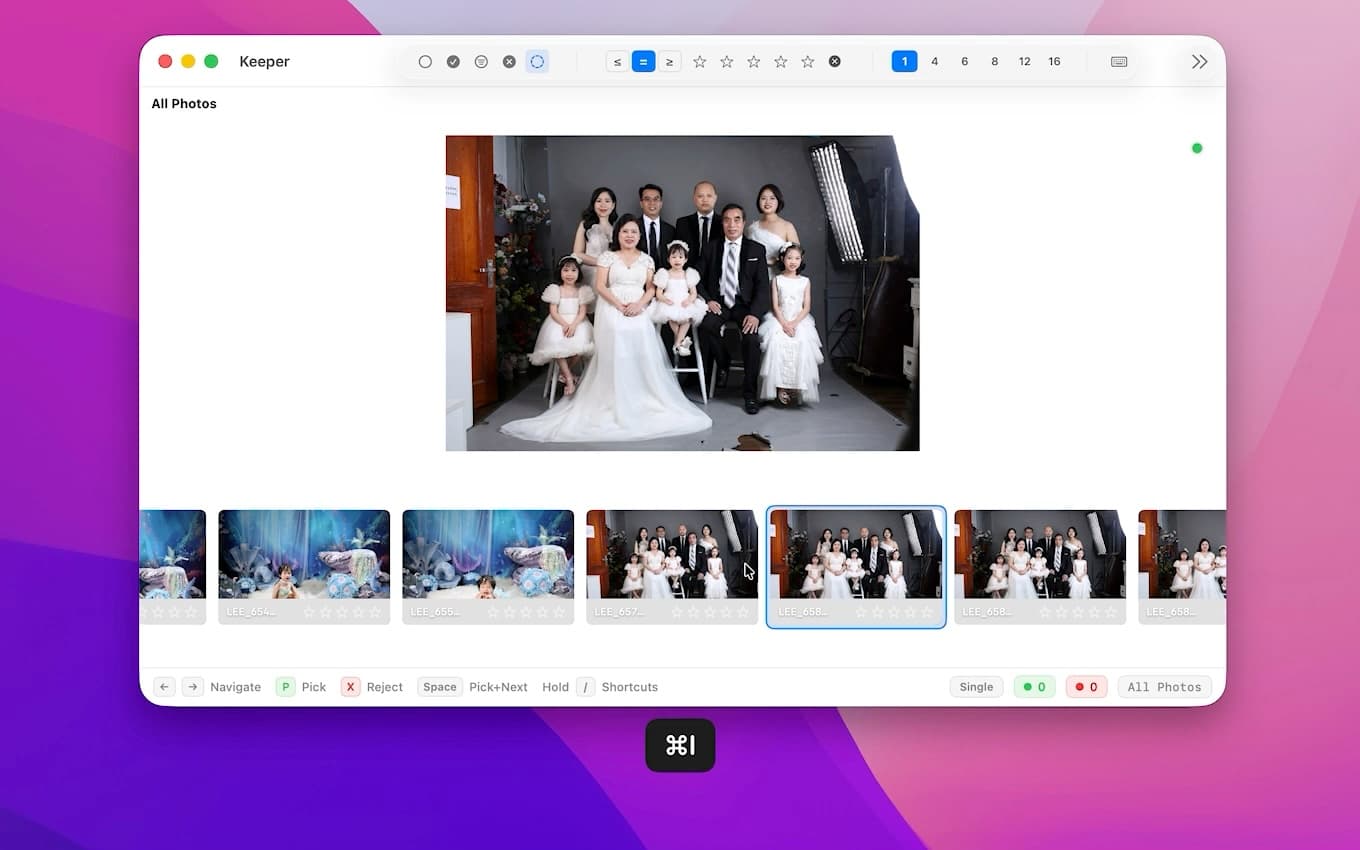
Rate, pick, reject, and navigate without falling out of the keyboard flow.
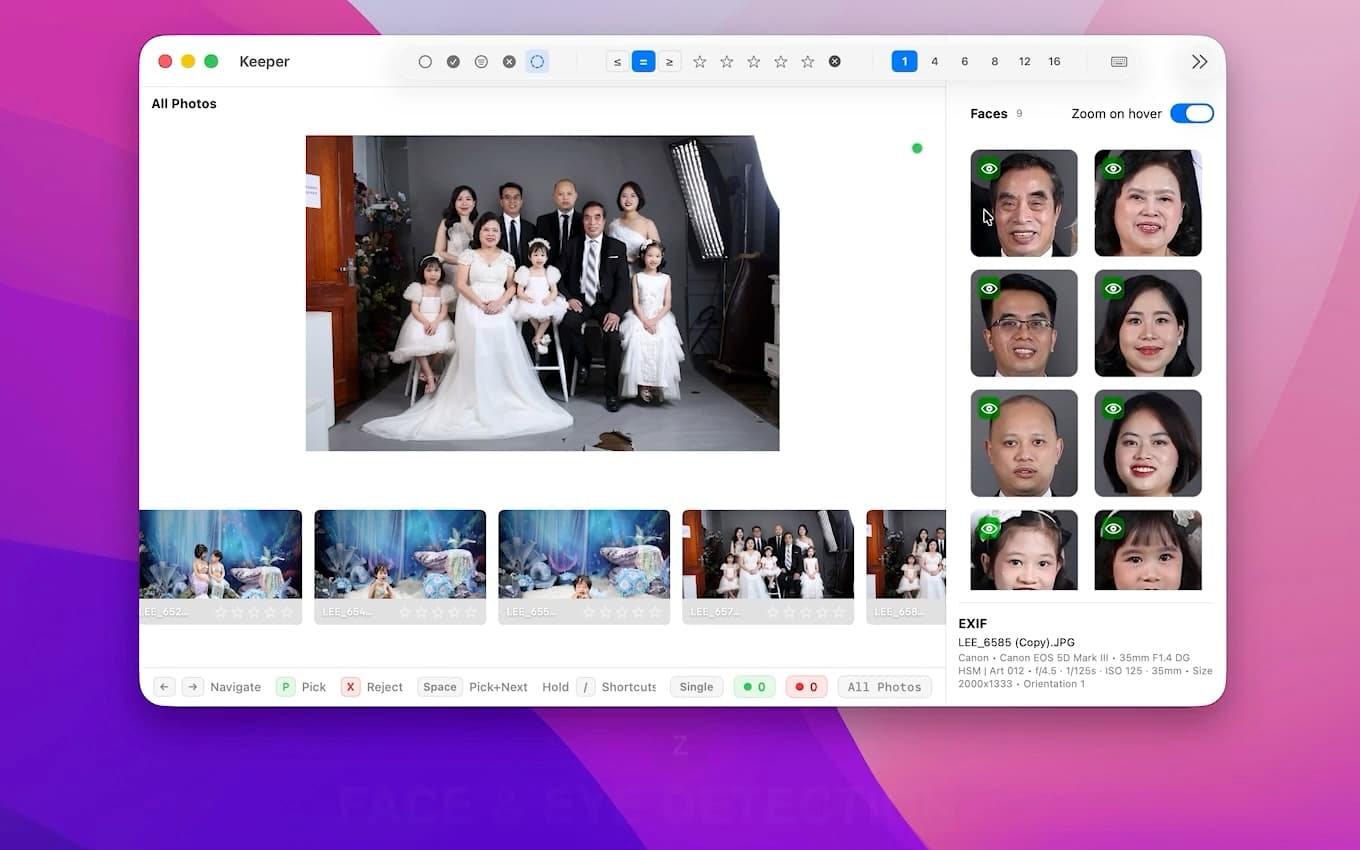
Face checks, eye-closed detection, and grouping help you decide faster without taking over the final judgment.
Keeper is best if the culling stage itself is where you lose time. If you shoot weddings, portraits, events, or large sessions on Mac and want a cleaner review loop, it will feel like a better fit quickly.
If your comparison is more about automation versus photographer control, read the Aftershoot alternative guide next.
The deciding factor is usually workflow friction, not a checklist. Watch the demo, try the free download, and judge how quickly you reach a confident final set.